buying-guides
Best Monitor Arm in 2026: 5 Picks by Monitor Weight
The Ergotron LX Pro is the best monitor arm for most 4-22 lb screens. See when the HX, a $49.99 HUANUO, MSI M…

The most durable monitor arm pairs a mechanical spring with published cycle testing and a 10 to 15 year warranty. Here is how to check each spec.
Read the article →The Ergotron LX Pro is the best monitor arm for most 4-22 lb screens. See when the HX, a $49.99 HUANUO, MSI M…
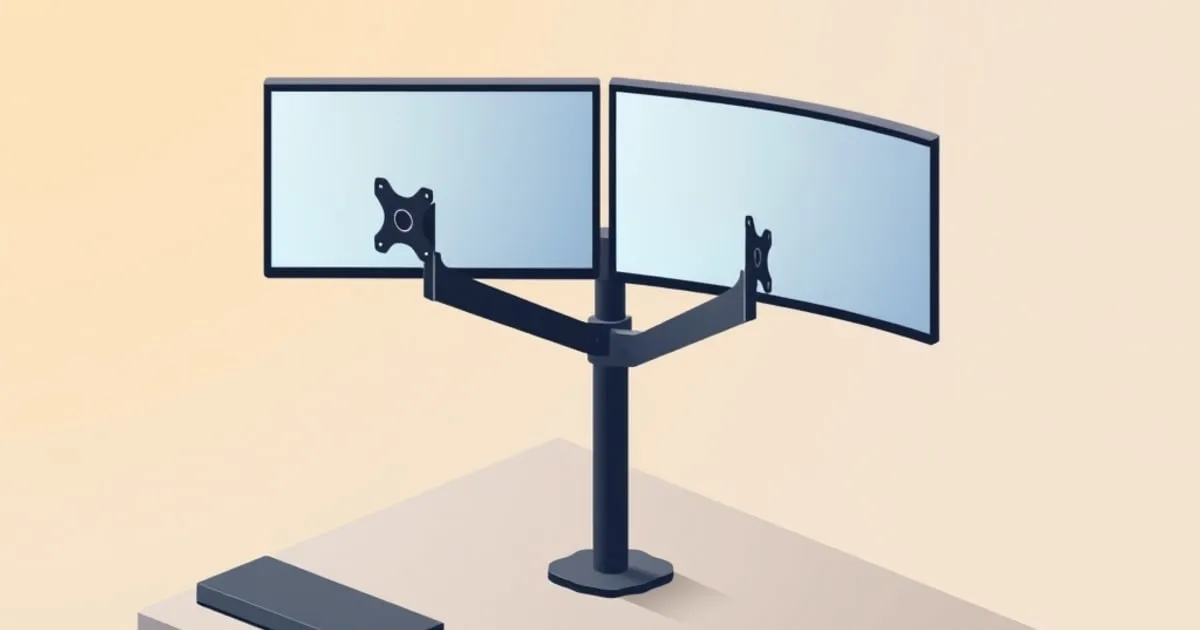
Set up a dual monitor arm in order: check per-arm weight, place the post, hang both screens, tension each spr…
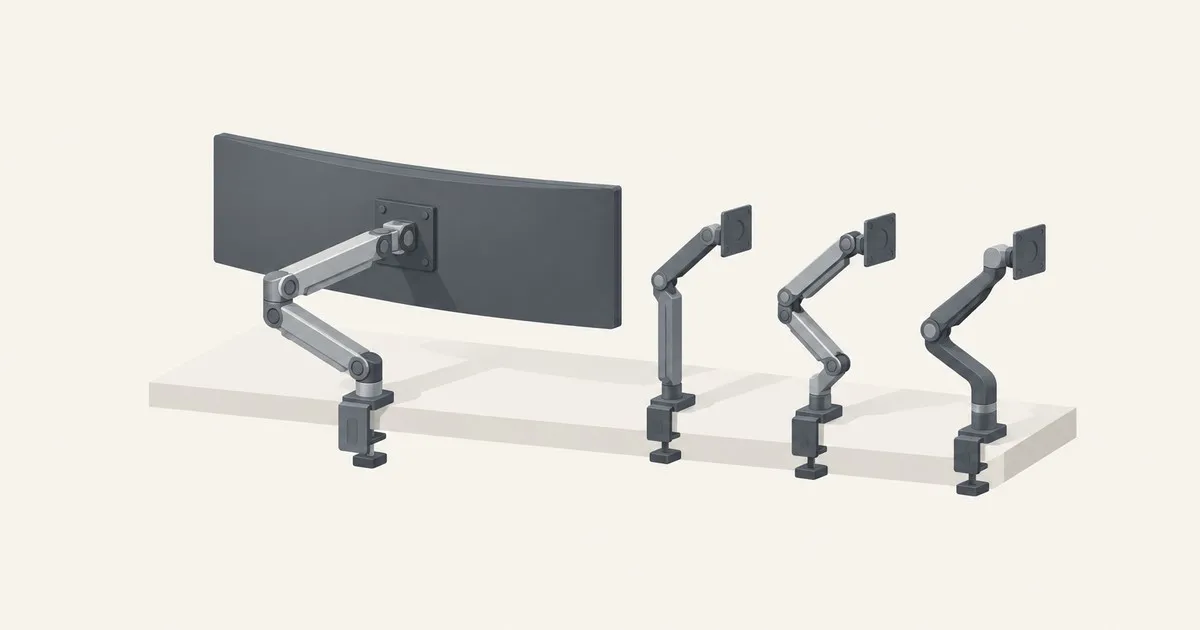
The Ergotron HX is the best arm for 20 to 42 lb monitors. See how the Humanscale M8 Pro, Hexcal and VIVO comp…
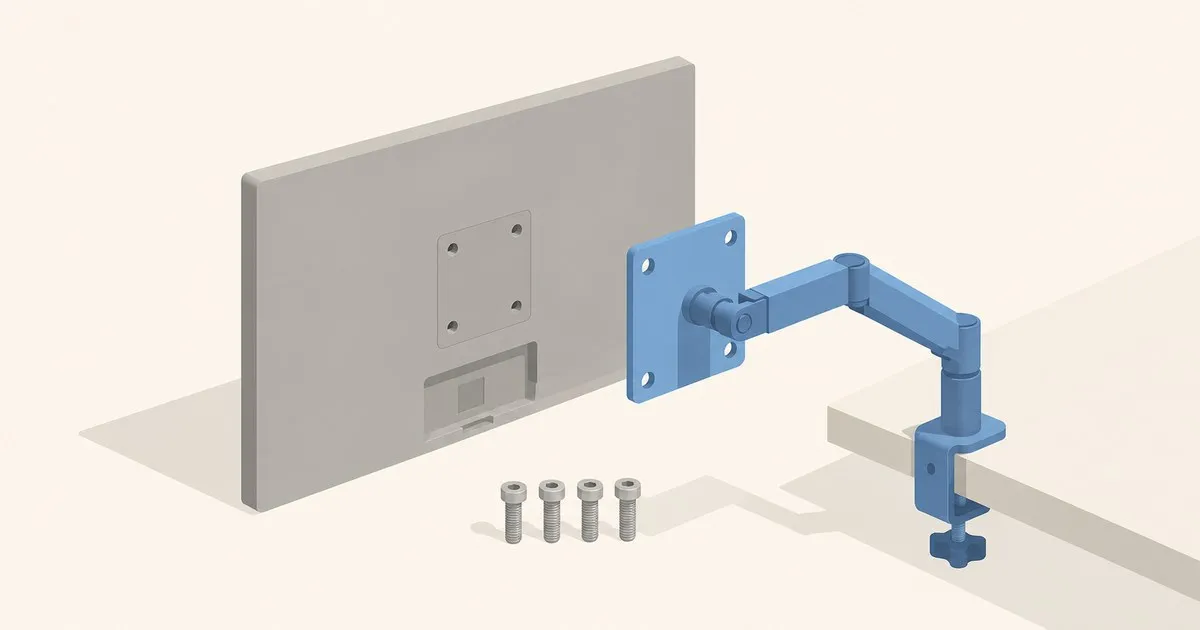
What is VESA mount 100x100: the 100 mm hole spacing, the M4 screw spec, how to confirm your monitor has it, a…
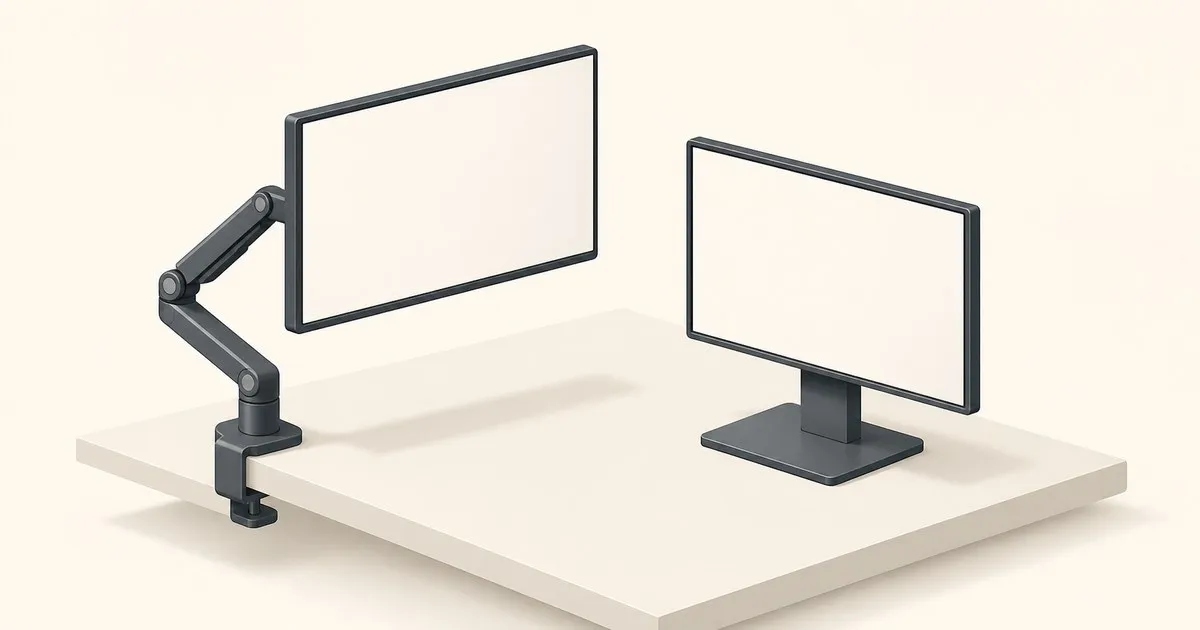
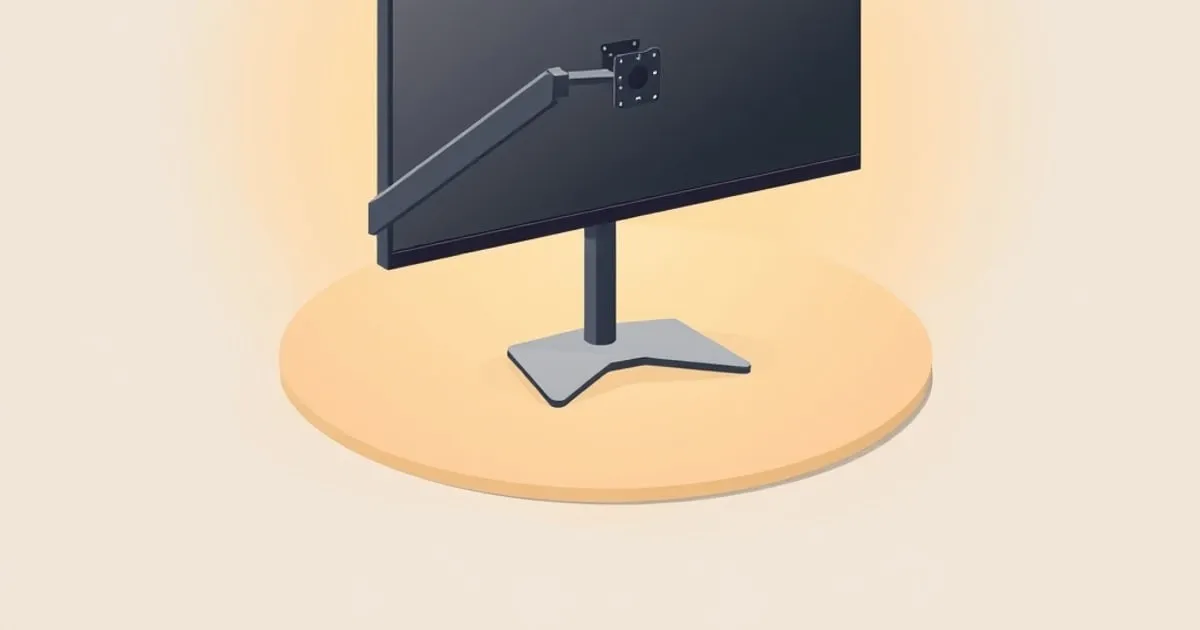
Keep a stand if it already sets the right screen height and distance. Choose an arm for more movement, no bas…
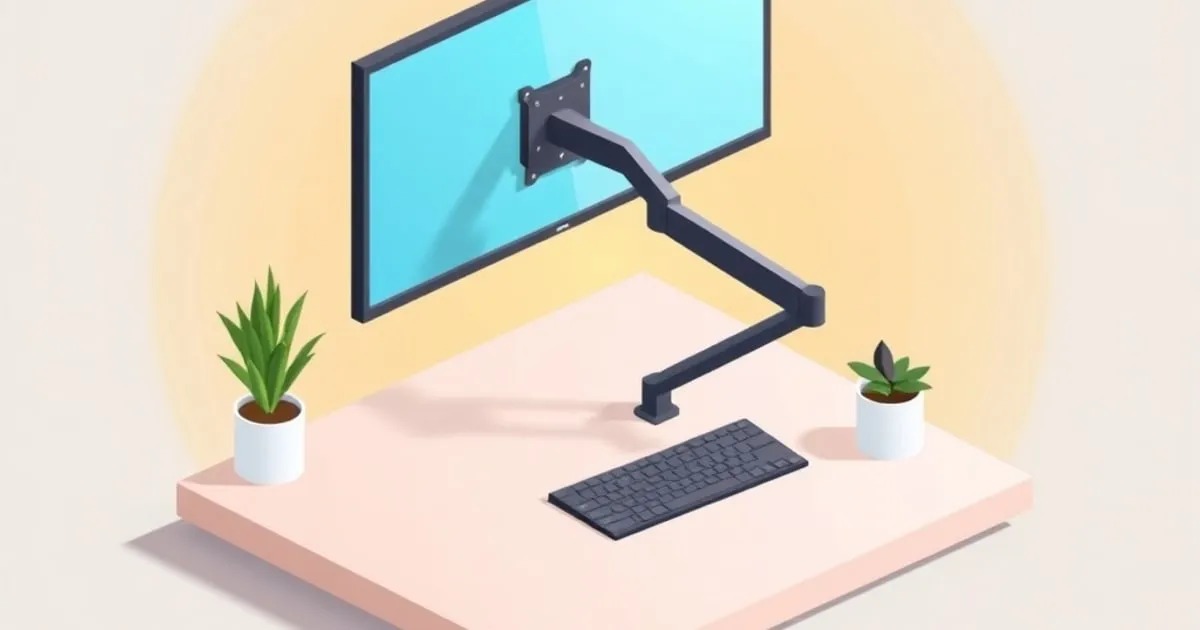
Install a monitor arm in the right order: check the desk, fit the clamp or grommet base, attach the VESA plat…
The reference pages behind every arm decision on this site, in the order they matter: what your monitor weighs, what capacity rating that needs, which arm covers the band, how high the screen has to end up, how the arm goes on, and what to do when it will not hold position.
Sizing a specific monitor? Run it through the Monitor Arm Fit Checker for a per-spec PASS, CAUTION, or FAIL verdict.
MonitorArmGuide publishes focused, sourced guides on a single topic. No paywall, no account, no ad tracking.